MacBook vs. Windows Laptops: Pros & Cons Every Student Must Read Before Buying
Is a MacBook truly the top choice for university students? Before you join the crowd, consider your actual needs, as this significant investment will likely be your companion for the next four years.

MacBook
For the same price as a MacBook, you can buy a Windows machine with much better specifications. So, what's the value of a MacBook?
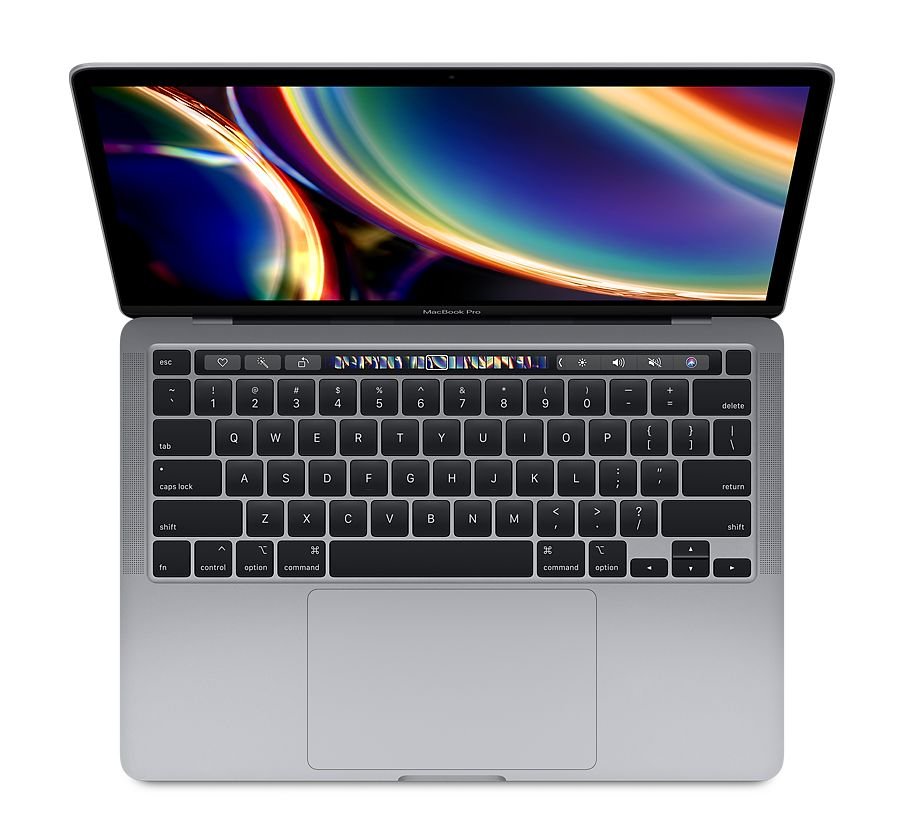
[MacBook vs. Windows Machine] Pros and Cons Comparison: A Must-Read for Students Before Buying a Laptop 9
Advantages of MacBook:
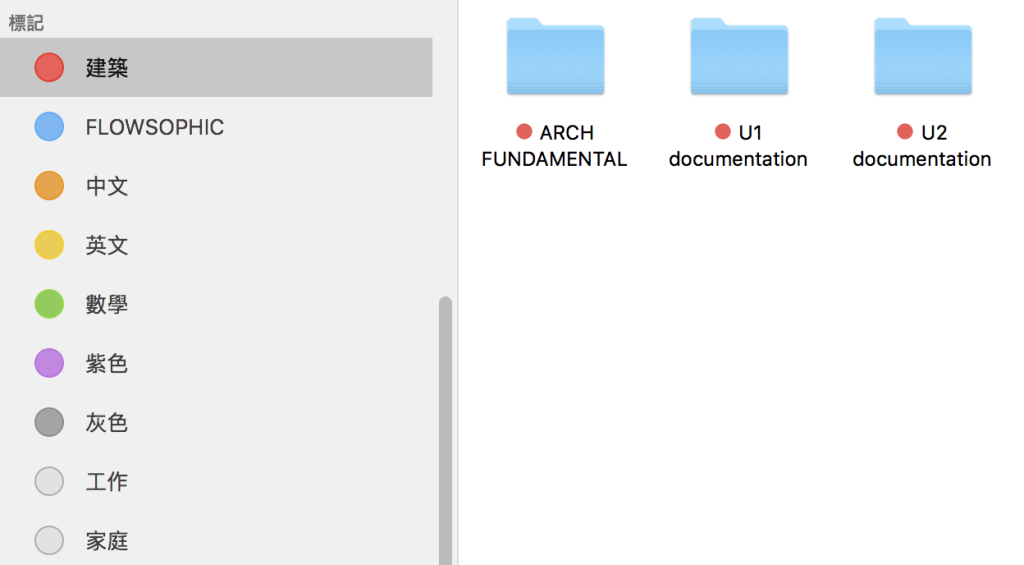
Simpler system interface
-
Simple and convenient system interface: macOS's design and functions are simple and convenient. For example, different files can be categorized with different colored tags, making it easier to find study materials for various subjects.
-
Stable and long-lasting: Compared to Windows, MacBook's closed system is more stable and less prone to viruses and slowing down (the admin has a 2015 MacBook Pro that still runs smoothly, can edit videos, and use Photoshop).
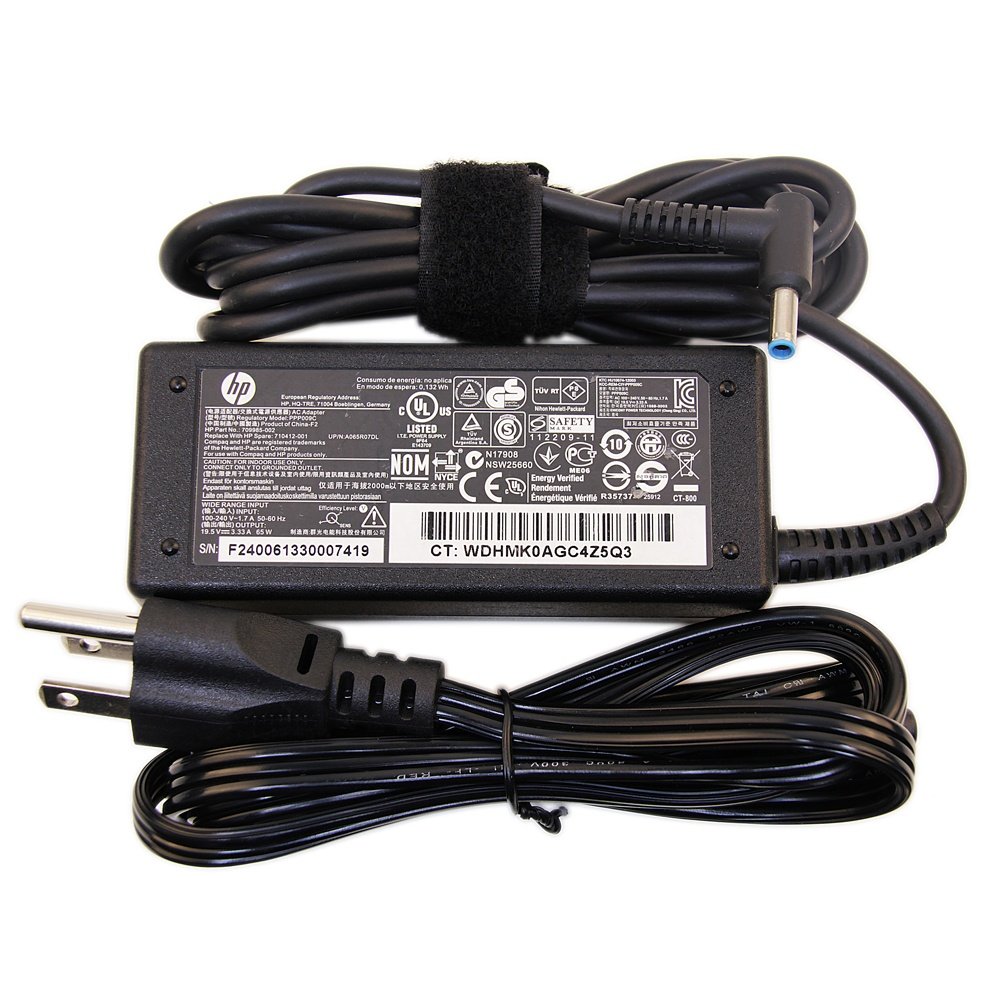
Windows' charging equipment
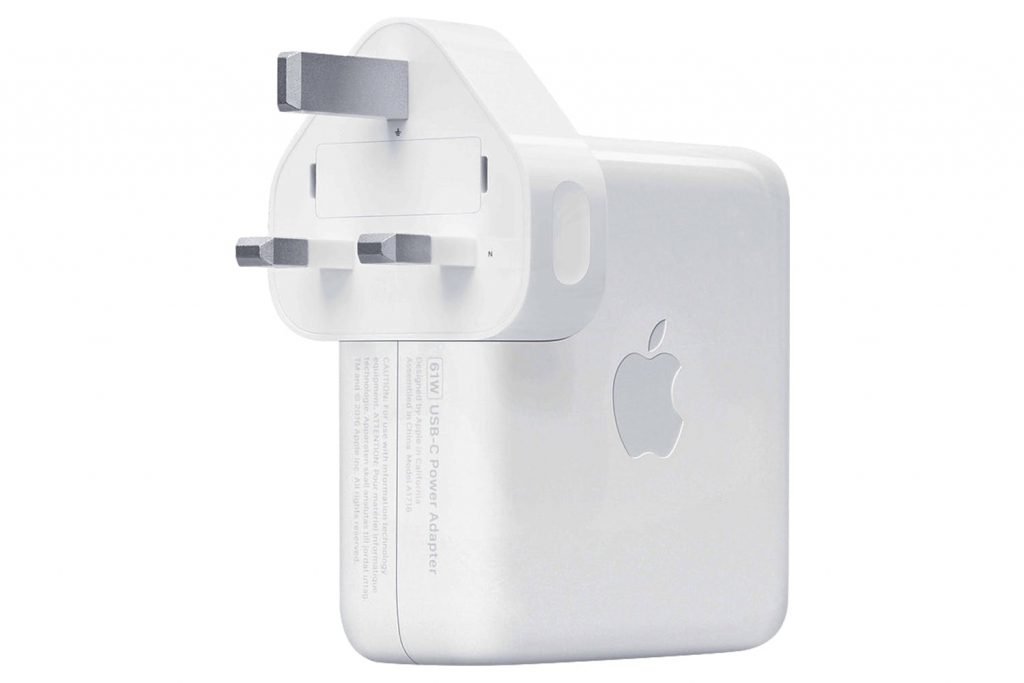
MacBook's portable charging equipment
-
Portable charging equipment: The adapter and plug are integrated, so you don't need to carry a bunch of charging equipment like with Windows.
-
Convenient power supply: After switching to Type C power delivery, you can use a power bank to charge, and other plugs can be used instead of the original power brick. (However, the plug/power bank needs to have a decent output of 45w or 60w to prevent the battery from draining while in use.)
-
Device linkage: Super strong linkage between different Apple devices, i.e., copying on an iPhone allows immediate pasting on a MacBook; an iPad can be used as an external monitor for a MacBook; wearing an Apple Watch can automatically unlock a MacBook; AirPods can switch freely between iPad/MacBook without disconnecting Bluetooth. Also, the very important AirDrop! You can quickly send any files (pictures, videos, anything) from your phone to your computer, eliminating the need to send them to yourself via email/WhatsApp.
-
Smooth trackpad: The trackpad is much smoother and more fluid than many Windows computers, making it very easy to use.

High-quality display
- High-quality screen: If you need to do design work, the MacBook's screen is excellent; images and colors are displayed accurately. Of course, watching videos is also better.
Disadvantages of MacBook
- Software incompatibility: If you need to do 3D rendering or programming, MacBook might not have supporting software. With MacBooks switching to the ARM architecture, running Windows on a MacBook will have many more restrictions, and even if it runs, it will consume a lot of performance.
[MacBook vs. Windows Machine] Pros and Cons Comparison: A Must-Read for Students Before Buying a Laptop 10
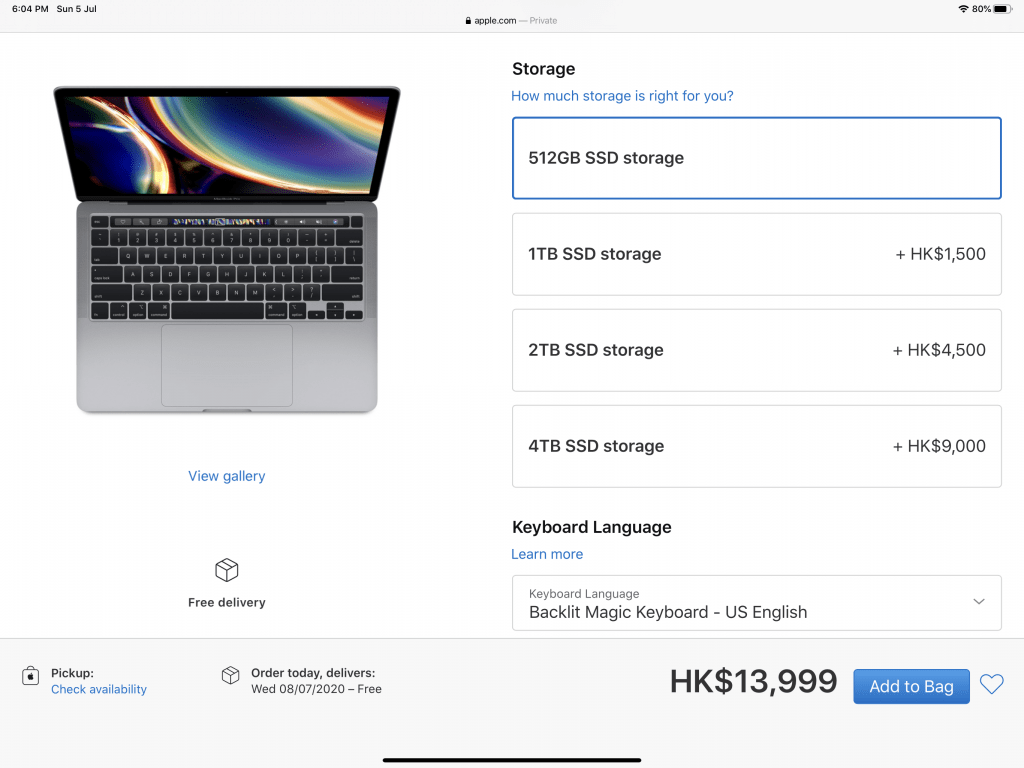
- Relatively expensive upgrades: The machine itself is already costly. The minimum configuration's 256GB storage might not be enough, but upgrading storage adds thousands. (If there's a more advanced model with more storage, buying the advanced model would be more cost-effective than directly adding storage as shown below.) (The reason why 2TB adds 4500 instead of 1500 is that Apple's storage gets faster read/write speeds with larger capacities. But even 512GB is very fast~).
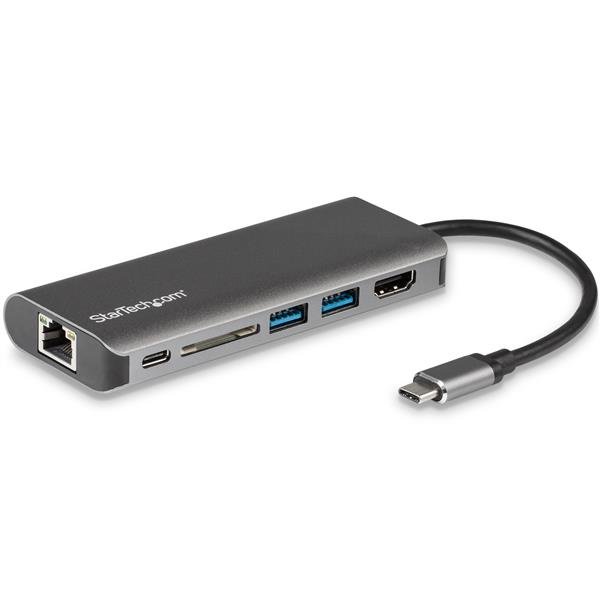
external hub
- Need to carry an extra hub: All ports are Type-C, so you need to buy an external hub to connect SD cards, traditional USB drives, or connect to a TV.
Offers
- If you are a DSE student this year, check when you can get your student ID. If Apple's Back to School offer hasn't ended by then, buying a MacBook from Apple might include free AirPods (currently in the US, Hong Kong should announce around the 9th). If the promotion has ended, you can still get a few hundred to a thousand discount by showing your student ID at university/Apple Store or ordering a MacBook from Apple Education Online.
Air vs Pro
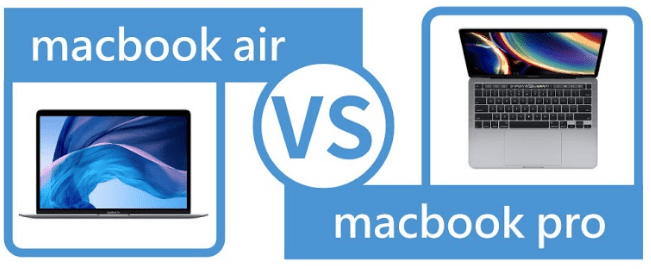
- The 2020 MacBook Air has received many hardware updates. For simple tasks like document processing and general classwork, the 2020 MacBook Air is sufficient. If you need to perform high-performance tasks like design or video editing, and your budget allows, consider the MacBook Pro.
Summary
- If you only use a MacBook for document processing, viewing class PPTs and PDFs, you'll have a very comfortable experience. If you also have other Apple products, it will be even smoother. However, if your major requires tasks like 3D modeling, rendering, or coding, a MacBook might not be suitable. Before deciding to buy a MacBook, you should consider what software your major requires or what software you might need, and whether there are Mac versions of those applications.
We will also have posts later about iPads, which many people buy for note-taking. Of course, we are not advertising for Apple, so we will also talk about buying Windows machines later! Students who are interested, remember to pay attention~
To find relevant information, remember to follow @flowsophic on IG and click on #flowsophic伴你行, we will keep you updated!
Flowsophic has a variety of master-level learning resources (complete Past Papers, note templates, IES, etc.) to make it easy for you to find everything without hassle! We also upload many DSE tips, university life, subject sharing, etc., so remember to bookmark our website and regularly check for updates!
References:
HP AC Adapter Laptop Charger Power Cord
Goodnotes V.S OneNote Comparison: Comprehensive Review of Popular Note-Taking Apps #2
【So Many iPad Models, Not All Are Right For You】A Must-Read Guide for Students Buying an iPad
Latest Popular Note-Taking Apps Comprehensive Review: Goodnotes, Notability