Which iPad is Right for You? A Student's Essential Buying Guide
Wondering which iPad Pro size to get, or if an iPad can replace your laptop? We'll update you on the latest iPad and Magic Keyboard experiences, including whether the $2000+ Magic Keyboard is worth it, building on what many studygrams have already covered.

【So Many iPad Models, Not All Are Right for You】A Student's Essential Guide Before Buying an iPad 8
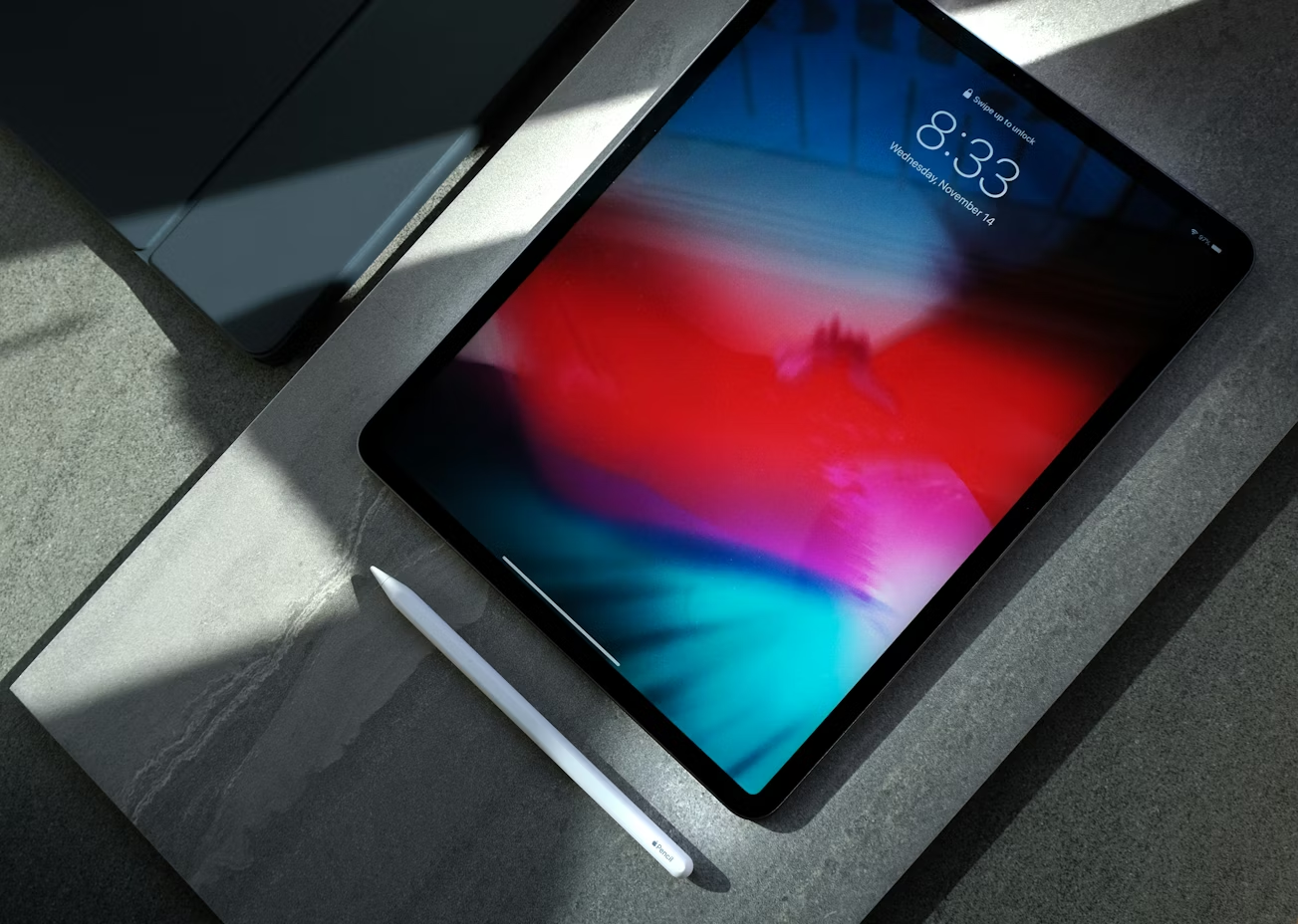
The main differences between all iPad models lie in price, screen size, and processor.
1. Price: Pro > Air > Mini > iPad
2. Screen Size: Pro > Air > iPad > Mini
3. Processor: Pro > Air = Mini > iPad (Although the Pro's processor is significantly more powerful than the Air and Mini, this advantage is mainly evident in high-intensity tasks like video editing and graphic design. For everyday classroom use, the Air and Mini are more than sufficient for students.)
【So Many iPad Models, Not All Are Right for You】A Student's Essential Guide Before Buying an iPad 9
Which iPad Model is Best?
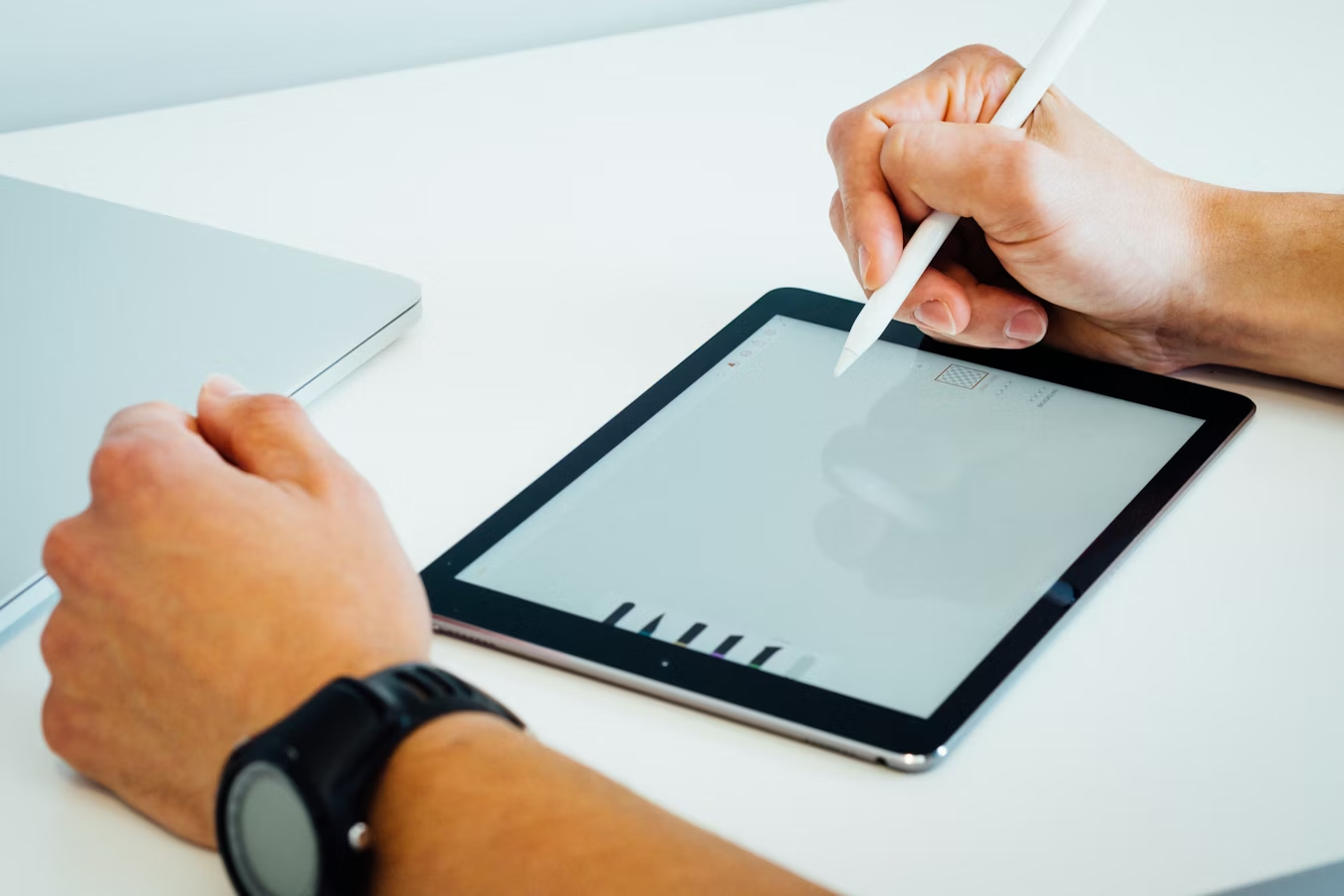
iPad & iPad Air: If you're buying it for viewing PDFs, taking notes (typed or handwritten), or drawing with Procreate, both the Air and the regular iPad are perfectly adequate. However, if money is no object, the Pro genuinely offers a much better experience XD, as the narrow bezels significantly impact the user experience.
iPad Mini: The main consideration for buying a Mini is its size. It's essentially whether you want to carry it around like a physical notebook.
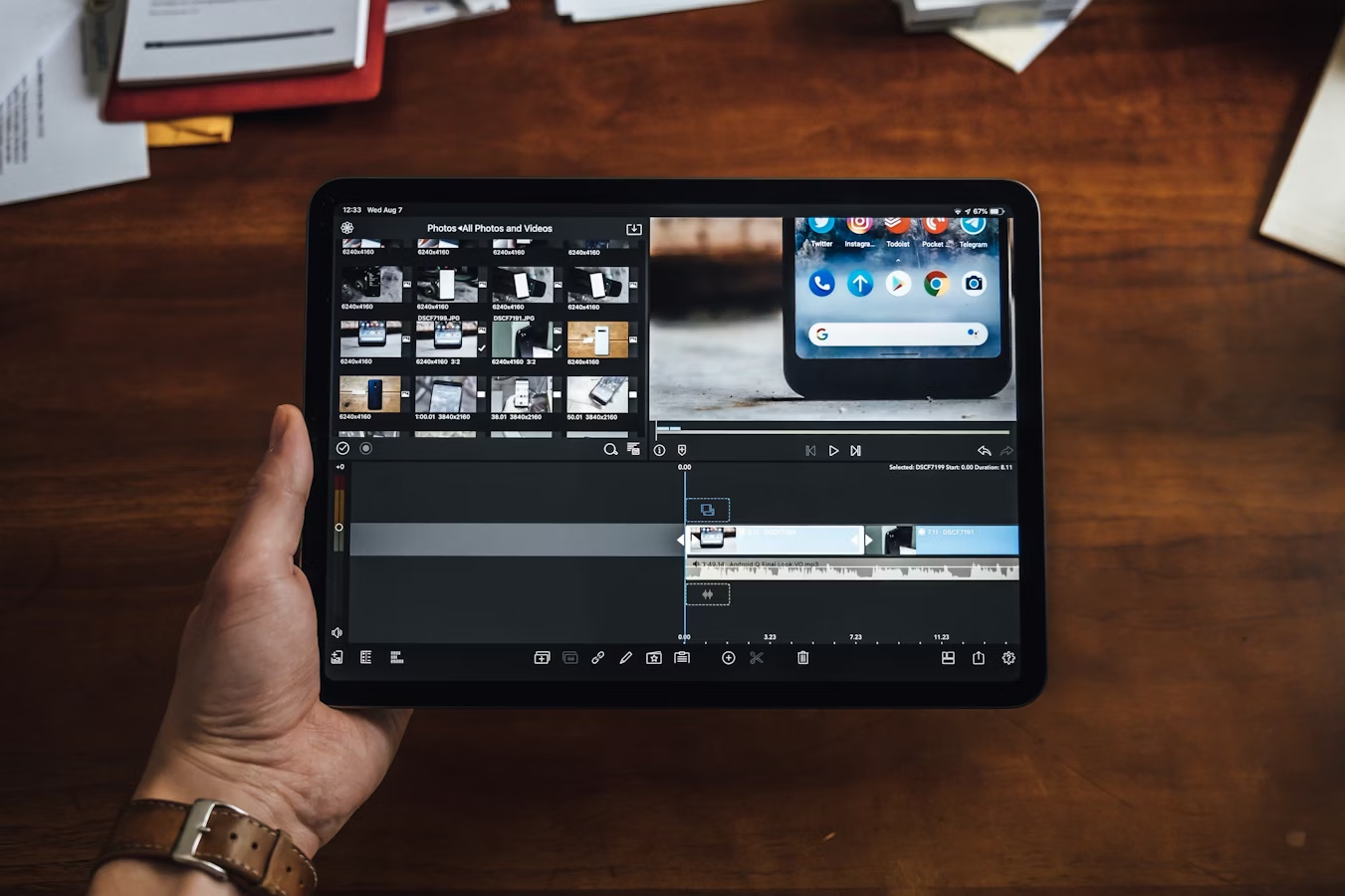
iPad Pro: If you have needs for video editing or graphic design, then you should consider the iPad Pro. While its processor might not be drastically different from the Air or Mini, it can handle more intense tasks that the Air and Mini might struggle with, such as simultaneously editing multiple 4K videos. Furthermore, the larger screen of the iPad Pro makes it easier to use color palettes, brushes, and other windows while still having plenty of visible space to view your video or design, enhancing the overall workflow experience.
【So Many iPad Models, Not All Are Right for You】A Student's Essential Guide Before Buying an iPad 10
If buying an iPad Pro, should I get the 11-inch or 12-inch?
I personally recommend the 12-inch model.
The 12-inch iPad Pro's screen size is essentially double the size of the very first iPad. So, for multitasking, when you split the screen into two windows, it's like using two iPads side-by-side. This means the window display ratios are at their original, optimal design, making them look and feel smoother to use.
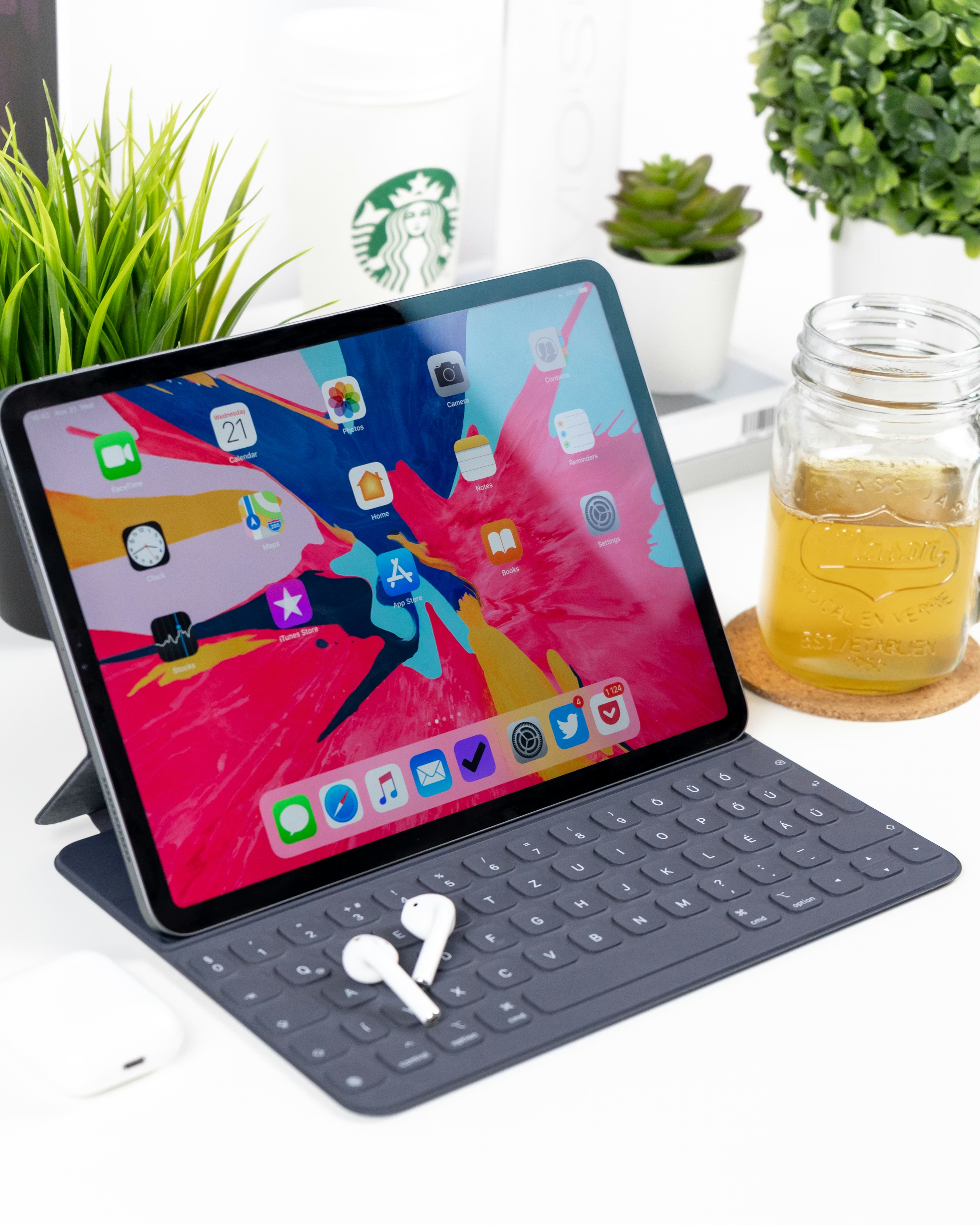
Additionally, if you plan to use your iPad with a keyboard, some keys and the trackpad on the 11-inch iPad Pro might be shrunk, which may not always be convenient during use.
As for size and weight, the difference isn't that significant. The 12-inch iPad Pro can still easily fit into a small backpack.
【So Many iPad Models, Not All Are Right for You】A Student's Essential Guide Before Buying an iPad 11
Can an iPad Replace a Computer?
Although the iPad Pro's advertising tagline is "Your next computer is not a computer," this statement is somewhat cunning. "Your next computer" implies you already have a computer, so if you already own one, your next computer doesn't necessarily have to be a traditional computer, haha.
I believe that currently, an iPad cannot fully replace a computer. Here's why:
-
Many software applications haven't yet improved their usability with physical keyboards and trackpads. For instance, a very inconvenient issue: Google and Microsoft's document software (Apple's major competitors) still require manual selection of text, instead of dragging the cursor like on a computer. While this is a matter of time, they haven't improved it despite the Magic Keyboard being out for so long, probably trying to delay it as much as possible QAQ.
-
Many software applications still don't have iPad versions. For example, Adobe has only released an iPad version of Photoshop. And the iPad version of Acrobat's PDF editor is a watered-down version, lacking many features compared to the desktop version.
However, if you already own a computer, an iPad can be an excellent complementary device. When you don't want to carry a heavy computer out, an iPad can handle simple document tasks, allow you to write and take notes, and make studying more convenient.
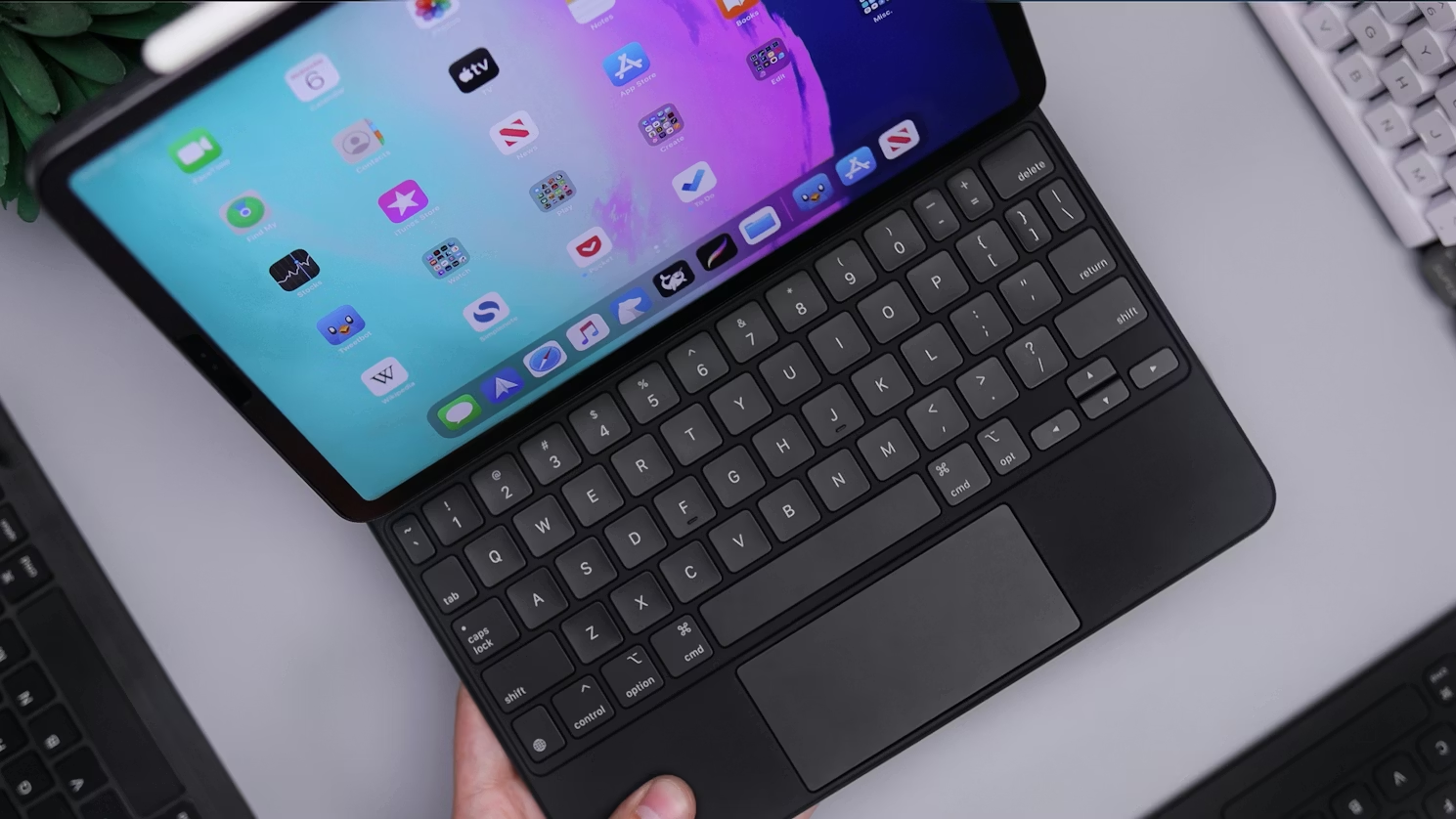
【So Many iPad Models, Not All Are Right for You】A Student's Essential Guide Before Buying an iPad 12
Magic Keyboard User Experience
After its release, this keyboard received mixed reviews, possibly because many felt Apple could have done better.
The Good:
- The Magic Keyboard has a port underneath that can directly charge the iPad Pro, freeing up the iPad's own port for USB devices or other connections.
- Compared to other Apple iPad keyboards, typing on the Magic Keyboard is much more comfortable due to greater key travel, providing a better tactile feel.
- The overall design is very compact. The floating space between the iPad and keyboard can fit an iPhone Pro and a power bank, saving space when charging or using in different locations.
- Since the processing components are within the iPad, you won't feel the keyboard getting hot underneath when using the device on your lap.
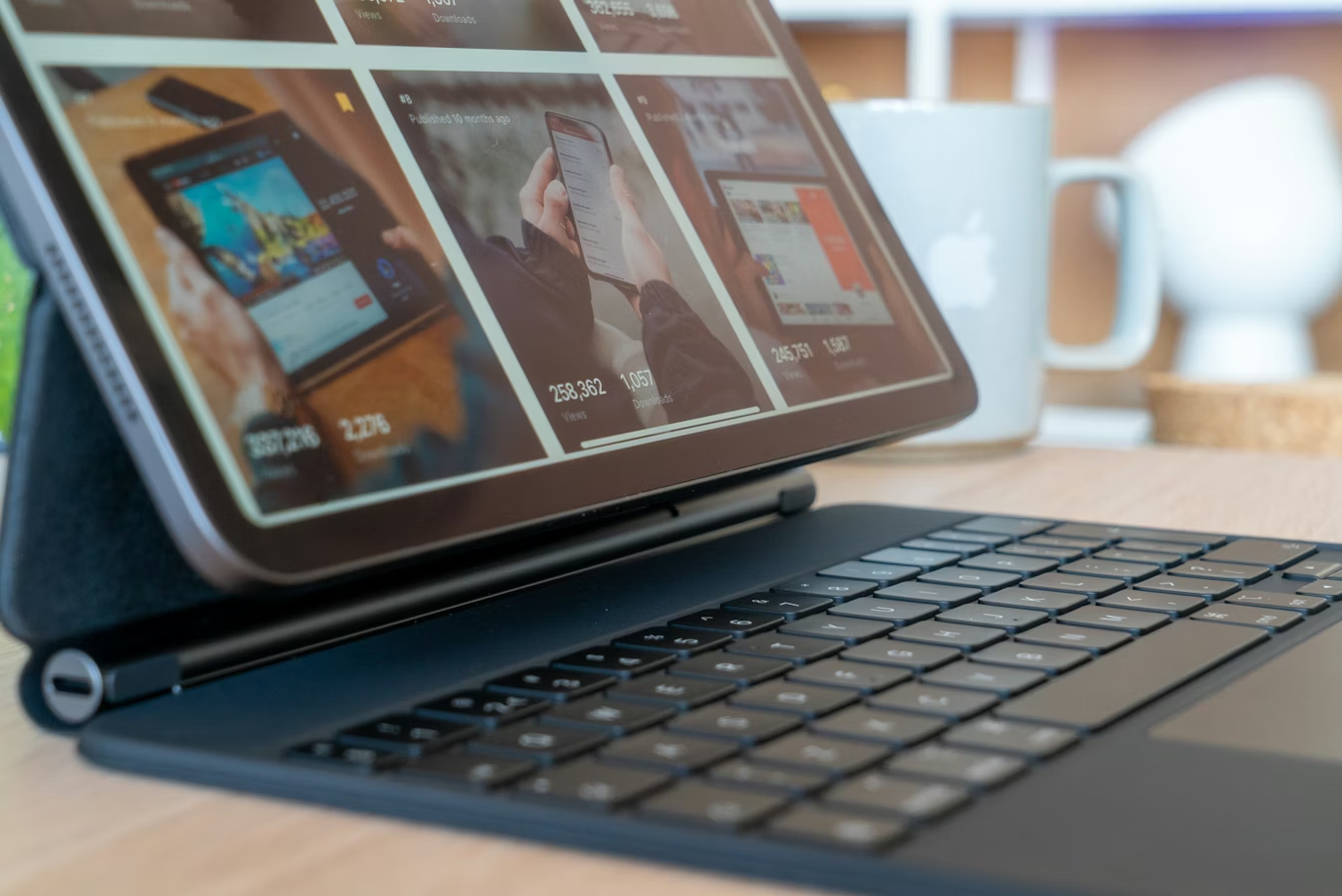
【So Many iPad Models, Not All Are Right for You】A Student's Essential Guide Before Buying an iPad 13
The Bad:
- You should particularly pay attention to the weight. An iPad with the Magic Keyboard nearly doubles in weight. A 12-inch iPad + Magic Keyboard is almost as heavy as a 13-inch MacBook Pro.
- Because the keyboard only has one opening direction and no other folding methods, drawing or writing might not be very comfortable. You might have to take the iPad off or flip it around. However, in my personal use, even writing/drawing while it's floating is still acceptable.
Of course, many people also find the keyboard expensive and note that it only works with the iPad Pro. Whether it's worth it really depends on individual preference.
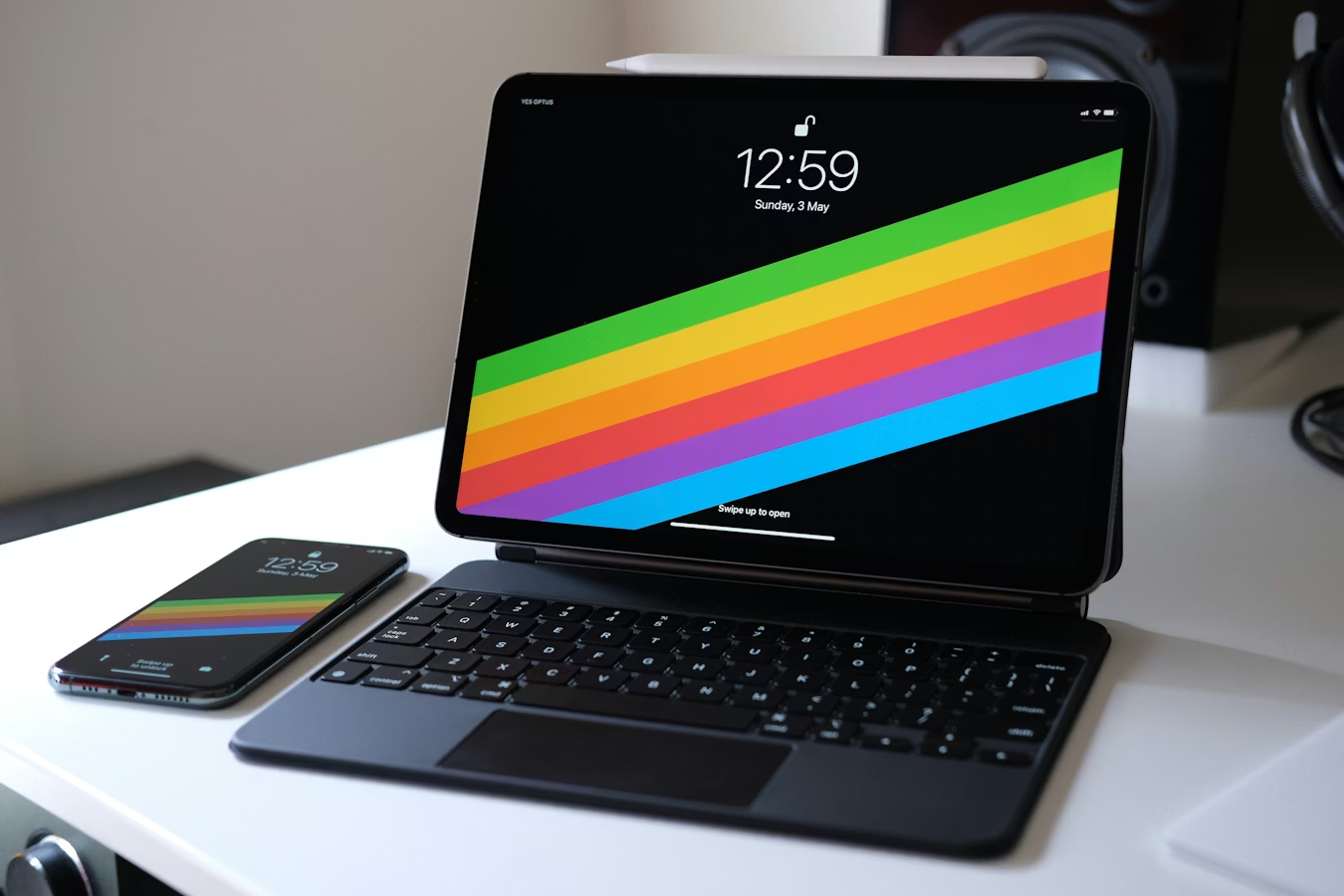
【So Many iPad Models, Not All Are Right for You】A Student's Essential Guide Before Buying an iPad 14
Conclusion
Since the iPad currently cannot replace a computer, and many students don't have much money left after buying a computer before school starts, the most commonly used models I see in universities are the iPad and iPad Air. However, if you're not in a hurry, you might want to wait for Apple's September event. It's rumored that the iPad Air might be upgraded to a version with narrow bezels, similar to the iPad Pro (unconfirmed, so take this with a grain of salt!).
【Further Reading】Student's Guide to Buying a MacBook: 10 Pros and Cons for Students