Apple vs. Windows for Students: 8 Key Considerations When Buying a Windows Laptop
Having previously discussed the pros and cons of Mac computers, we now turn our attention to Windows. This guide will focus on crucial factors to consider when purchasing a Windows laptop, as different brands often assemble similar hardware components.

[Should Students Buy Apple or Windows?] 8 Key Considerations When Buying a Windows Laptop 7
Looking at the Specs: Common Concerns for Students
1. Battery Life:
It's best to have at least 5 hours to meet your campus needs. Windows chargers are usually bulkier, and if you forget yours, it's hard to borrow one of the exact same brand and series. Also, some high-performance Windows machines might have shorter battery life.
2. Storage Size:
Windows machines usually have ample storage. Many come with 512GB or 1TB, which should be sufficient. The Windows system itself and basic software might take up 30-50GB, so factor that in.
[Should Students Buy Apple or Windows?] 8 Key Considerations When Buying a Windows Laptop 8
3. Storage Type:
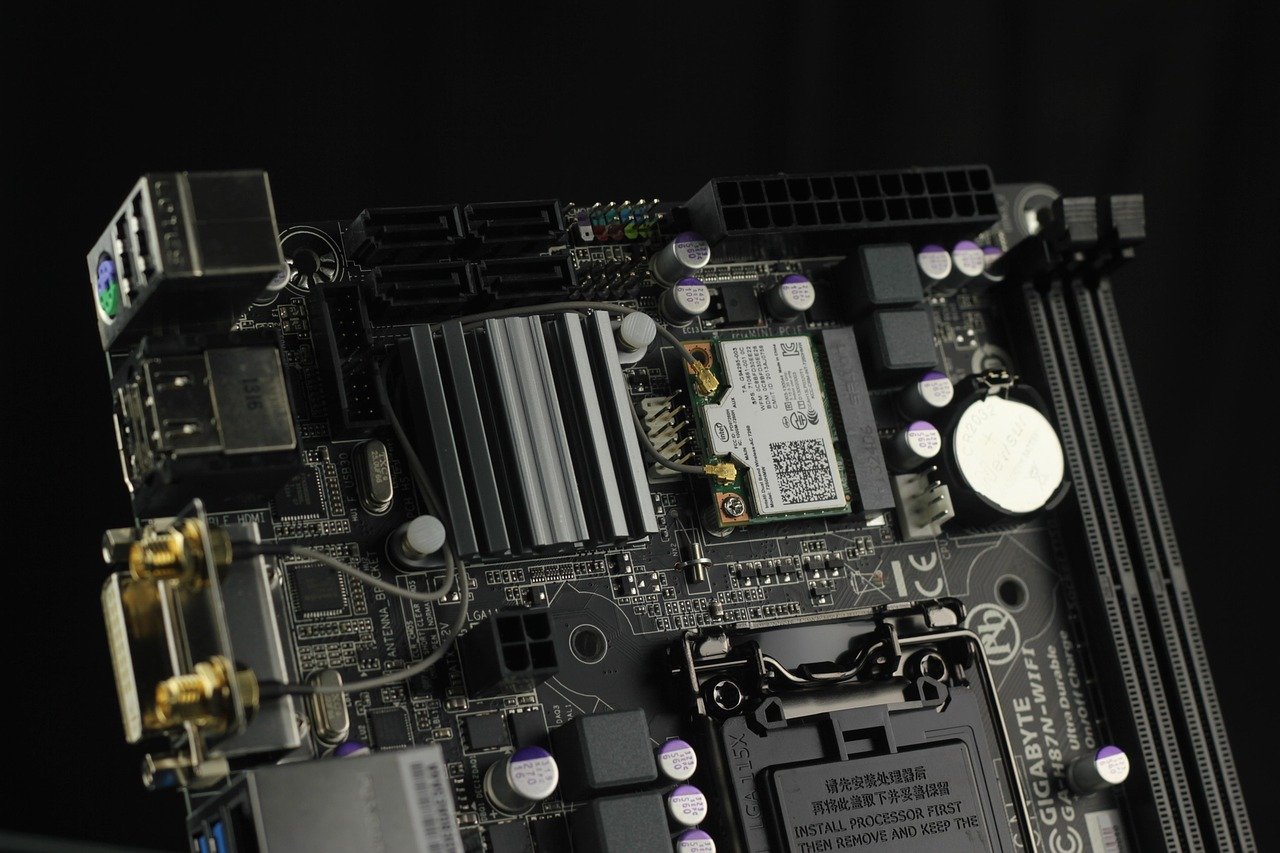
There are two types of storage devices: the commonly heard hard disk and SSD. SSDs offer faster data read/write speeds than hard disks and are more durable, making them the current mainstream. Some Windows machines use only SSDs, while others mix SSDs of different sizes with hard disks. Since SSDs are more expensive than hard disks, for the same price, an SSD-only computer usually has a smaller total storage size compared to a mixed version. You can choose based on your budget and storage needs.
It's recommended to install the Windows system and data-intensive or large software like Adobe applications on the SSD, and store other class PPTs, PDFs, or document files on the hard disk. This way, the computer will run faster during startup or execution.
However, be careful not to buy a computer that only has a hard disk, as it might be slow to boot up, run, or open files.

[Should Students Buy Apple or Windows?] 8 Key Considerations When Buying a Windows Laptop 9
4. Weight:
Especially for female students who need to carry it to school every day, a lighter laptop, around 1kg-2kg, would be better (MacBook series are around this weight).
5. CPU & GPU:
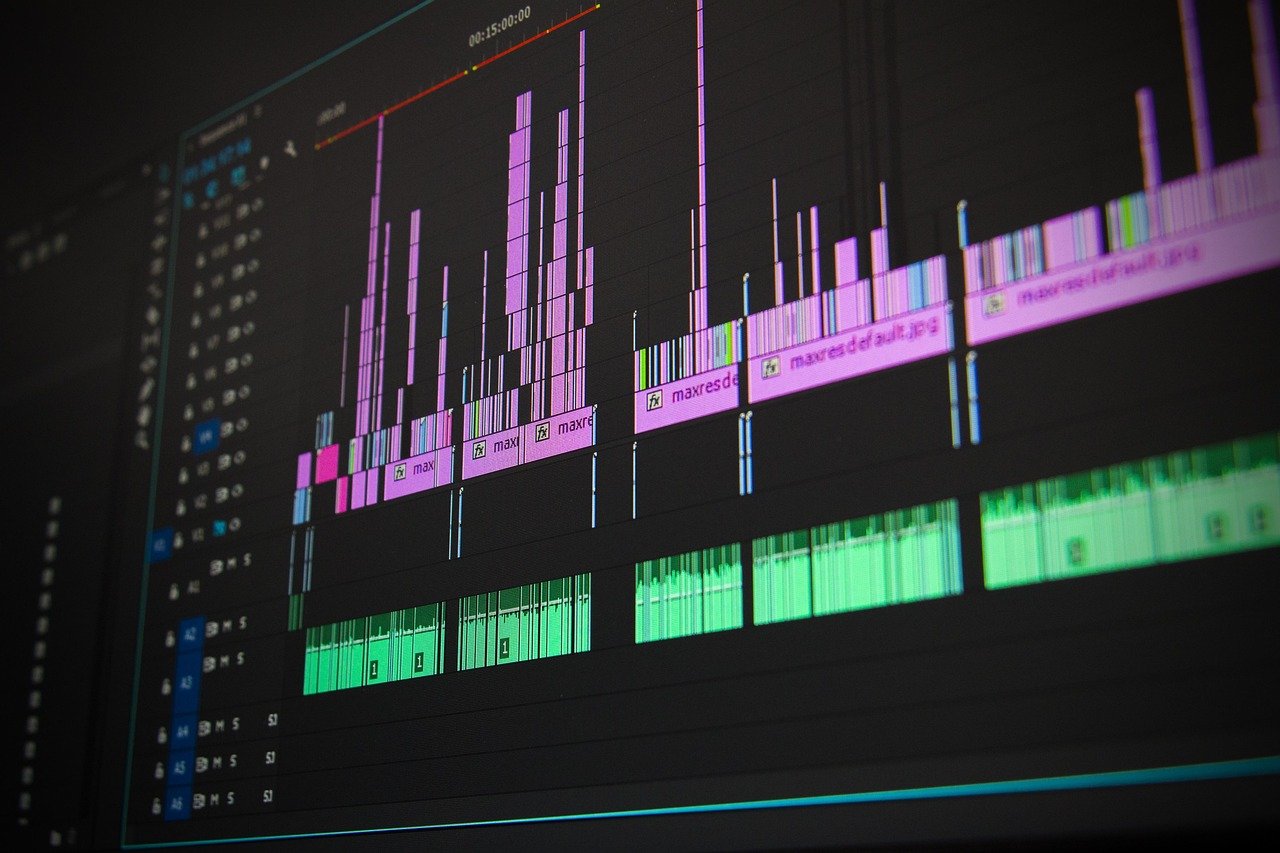
The CPU should ideally be i5 or higher. If you're only buying it for classes, reading PDFs, and watching dramas for normal use, the GPU usually doesn't need much consideration. However, if you'll be doing many graphics-intensive tasks like Photoshop, video editing, or 3D modeling, you'll need a computer with a dedicated graphics card. I just checked, and Photoshop's minimum requirement is a Geforce GTX 1050 graphics card. So, if you need one, for future-proofing, it's best to buy a GTX 1060 or better graphics card.
[Should Students Buy Apple or Windows?] 8 Key Considerations When Buying a Windows Laptop 10
However, please note that the recommended graphics cards on some official websites refer to those installed in desktops. For laptops, even with the exact same graphics card, due to limitations in size modification and heat dissipation, the performance is usually worse. Additionally, graphics cards may have different suffixes indicating slightly different models, for example, GTX 1060Ti performs better than GTX 1060, and GTX 1060-MaxQ performs worse than GTX 1060. So, after you've identified some potential models, you can look up benchmark scores or tests running large software on YouTube.
Besides Geforce, there are other companies that produce graphics cards, such as AMD. You can also Google comparison tables of different companies' graphics card names and performance.
[Should Students Buy Apple or Windows?] 8 Key Considerations When Buying a Windows Laptop 11
6. RAM:
4GB of RAM is sufficient for normal document processing and basic use, but 8GB is ideal. If you're going to be doing graphic design or video editing, you should upgrade to 16GB of RAM.
7. Fan Noise:
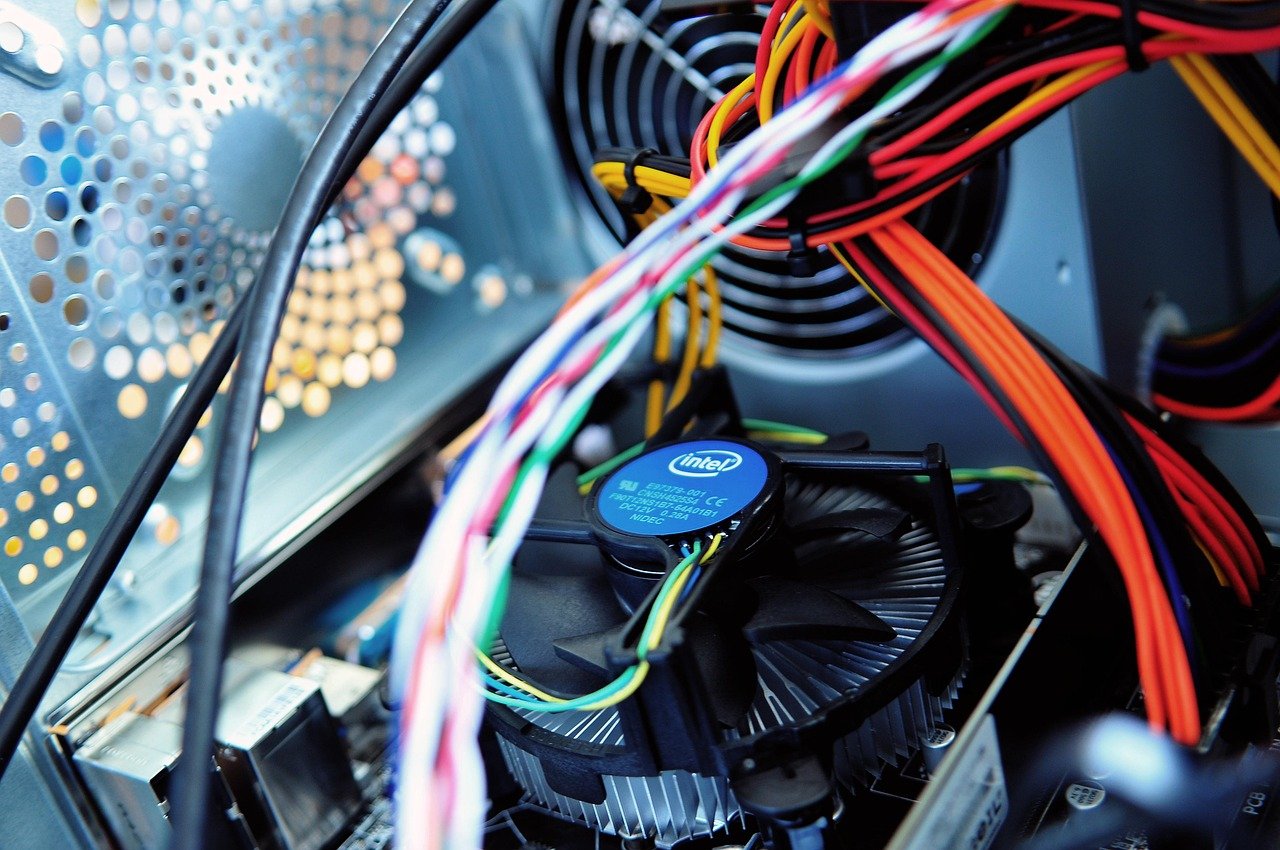
This might be a minor point, but you can check out fan noise level tests on YouTube before buying. (The admin has an MSI machine that reaches 80-90 degrees Celsius just by watching YouTube, and the fan can get quite noisy @@)
[Should Students Buy Apple or Windows?] 8 Key Considerations When Buying a Windows Laptop 12
8. Warranty Period:
When you buy a computer, you likely expect it to last until you graduate from university. So, pay attention to the default warranty period of the machine, usually 1-2 years. Different companies also offer extended warranty plans. You can check the prices and consider whether to extend it to 3-4 years.
【Further Reading】[Student's Guide to Buying a MacBook] 10 Pros and Cons Students Should Know